03 · Engineering tools & education

Software from the day job.

I've worked on safety-critical systems for years, and most of the pain is proving the work was done right. The Cycle and The Site are the trackers I wanted for that. The Learning Cycle is different: it's a free revision site I started for my daughter. All three keep your data on your own device.

Learning

The Learning Cycle

Free revision, Years 7 to 12

Australian Curriculum · QCAA Units 1 to 4 · web
Live

I wrote the first course to get my daughter through a Year 8 Biology exam. It kept growing, and there are now 77 courses. They cover every core subject and the Technologies electives, with QCAA Units 1 to 4 for the senior years.

  • Read, listen or practise. Every paragraph can be read aloud. Each course has drag-and-drop labelling, sorting, matching and multiple choice, then a full mock exam that gets properly marked.
  • Maps you can click through for history and geography, with numbered timelines. Graphs are drawn straight from their equations, and every formula has a key explaining the symbols.
  • Nothing to sign up for. There are no accounts, ads or cookies. Your progress is saved in your own browser.

By the numbers

Courses
77 across Years 7 to 12
Exams
One mock exam per course, about 4,400 marks in total
Maps
25 interactive maps with dated timelines
Cost
Free. Coffees on Ko-fi pay for the hosting.
Independent
Not affiliated with ACARA, the QCAA or any school
Assurance

The Cycle and The Site

Both apps run on the same engine. The Cycle lays a system's lifecycle out as a V, and The Site does the same for a building job. You attach the evidence phase by phase, and at the end you print a PDF report someone can sign off.

The Cycle

System life-cycle monitoring · Android now, iOS next
On Google Play
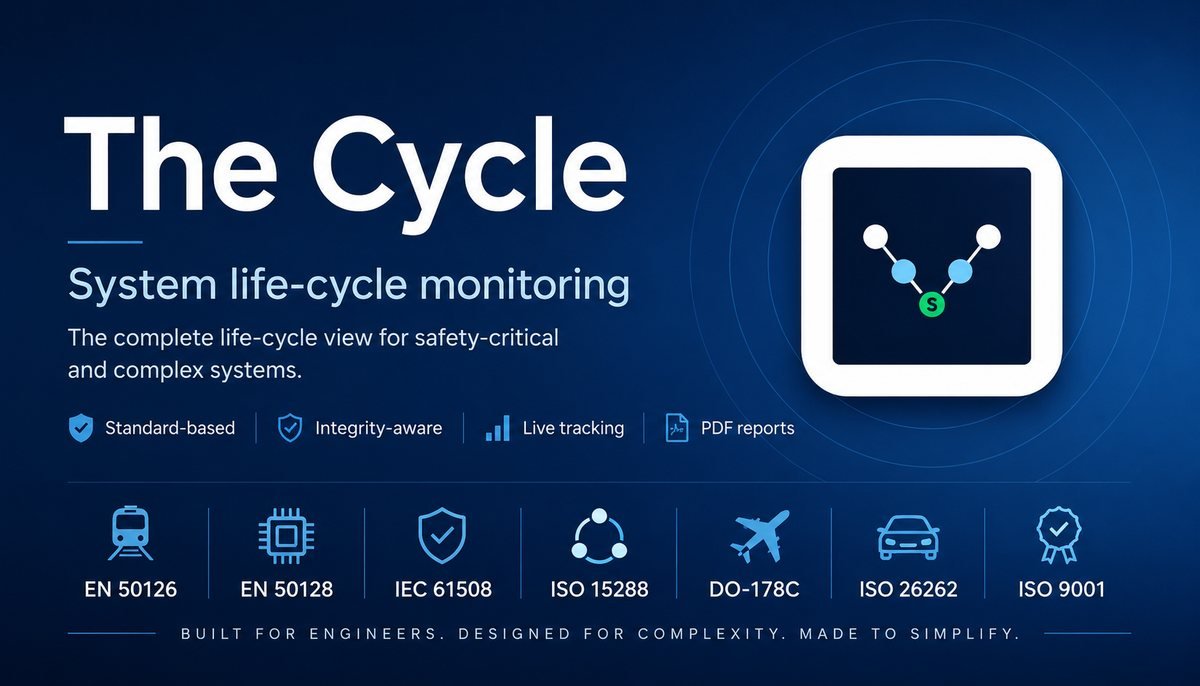
The Cycle: system life-cycle monitoring. Standard-based, integrity-aware, live tracking, PDF reports. EN 50126, EN 50128, IEC 61508, ISO 15288, DO-178C, ISO 26262, ISO 9001.

Set up a system and its subsystems on a live V-cycle and track them as the work moves along. When someone asks where things are at, print a PDF progress report.

  • Eight built-in standards: ISO/IEC/IEEE 15288, ISO 9001, IEC 61508 in 12- and 16-phase forms, EN 50126, EN 50128, ISO 26262 and DO-178C, plus custom cycles.
  • Set the integrity level (SIL, DAL or ASIL) and the app adds the safety evidence each phase needs. You get a safety plan early on, then a safety case and an independent assessment at validation.
  • Everything stays on your device. It works offline and exports to JSON.

The Site

Build & Reno Progress · Site Assurance
In development

Break a build into work packages by trade, then track each one through its phases and evidence. At handover you print one PDF that the owner, the builder and the certifier can all follow.

  • Templates for the Build & Reno lifecycle, RIBA Plan of Work 2020, NCC / BCA, the AS/NZS trade standards (electrical, plumbing, HVAC, structure, envelope, demolition), ISO 9001 and ISO 45001.
  • Pick an Importance Level from IL0 to IL4 and the app adds the inspections, reviews and certifications that level needs.
  • Each standard links to its official source, so you always read the real thing. I don't bundle copies.
Why they work this way

The questions an auditor will ask you

Which phase?

Every document belongs to a phase and has an owner, whether that's planning, requirements, design, verification or validation. Nothing gets left floating.

Where's the proof?

Ticking a box doesn't finish anything. An item is done once its evidence is attached and dated.

What level?

A higher integrity or importance level means more work, so changing the level changes the checklist itself.

Whose data?

Yours. It's stored on your device and works offline, and you can export it whenever you like. You can add a server if you want one.